Are your Teams skills holding you back?
This hands-on course shows you Microsoft Teams the way you’ll really use it: chats and files in one place, the settings that stop the noise, and meetings that start on time. One lesson at a time, right alongside us.

Where did that message go?
One monitor to watch on. One monitor to work on.
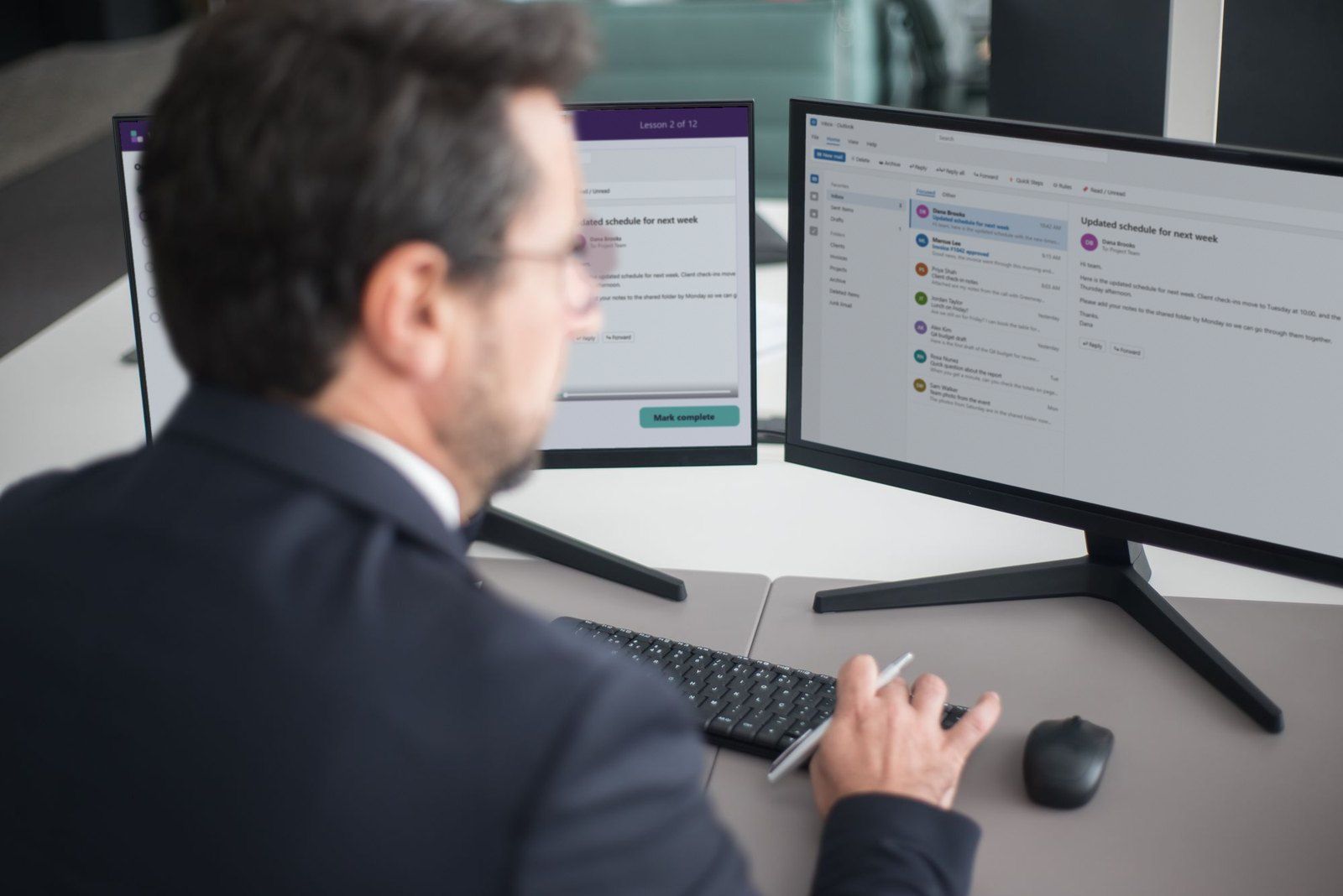
Teams sticks when you practice: open your own Teams and follow each step right alongside us.

Hi, I’m Kristin. I’ll walk you through every click.
Straight answers.
Is this for beginners?
Yes. Lesson 1 starts with opening Teams for the first time, and every lesson builds on the one before. We highly recommend you start from Lesson 1: even people who’ve used Teams for years without formal training pick up tips and shortcuts that make everyday tasks easier and quicker.
How long does it take?
It’s self-paced, so it’s up to you. Take it one lesson at a time, on your own time, at your own pace.
Do I need a work account?
No. Lesson 5 shows the differences between personal, business and school Teams, so you can practice with the account you have.
Does it cover Copilot?
Yes. Lesson 7 shows how to use Copilot in your meetings. Which Copilot features you see depends on your Microsoft 365 plan.
Will I get a certificate?
Yes. Pass the 29-question final exam with 80% or better to earn our official Certificate of Completion from Wanna Be Tech Savvy, to showcase on your social media, resume and LinkedIn profile.
What if it’s not for me?
Then ask for your money back. Every course has a 14-day money-back guarantee: ask within 14 days of buying, with less than 30% of the course completed. One email to Support@wannabetechsavvy.com does it. The Refund Policy has the details.
Thinking about more than one course?
Teams pairs with Outlook in the Communicate with Confidence bundle, and it is one of the bonus courses in the Full CC2CC Path. Or browse every course on Explore Courses.
Ready to make Teams work for you?
Employers want more than the basics.
You don’t have to get there alone.
I’ll show you how, one step at a time.
Let’s do this!
Empowering everyday people with digital skills that open doors to better careers and bigger opportunities.