
Are your AI skills holding you back?

This hands-on class gets you using ChatGPT and Microsoft Copilot with confidence, one lesson at a time. You try every prompt yourself, right alongside Kristin.

  • 3 lessons, about 2 h 40 min
  • Self-paced, on your own time
  • Official Certificate of Completion
  • 14-day money-back guarantee
ChatGPTNew chatWhat will I learn in this course?Three lessons, about 2 h 40 min:1Getting started with AI and ChatGPT1 h 10 min2Mastering prompts and exploring AI tools1 h 05 min3Boosting productivity with Microsoft Copilot25 minThen a 20-question self-assessment, a 30-question final exam and two PDFs to keep.Ask anything3 lessons, 2 h 40 min
Kristin Pelletier
Taught by Kristin Pelletier
Microsoft 365 Certified Instructor

Starting every email from a blank page?

AI can draft it, plan it, summarize it and brainstorm it with you. You just need to know how to ask, and we’ll show you how, one lesson at a time.

A blank page and a deadline.

ChatGPT gives you a first draft in seconds.
Fixed in lesson 1: getting started with ChatGPT

Answers that miss the point.

Better prompts get better answers.
Fixed in lesson 2: mastering prompts

Need an image, a video or a jingle?

There’s an AI tool for that.
Fixed in lesson 2: exploring AI tools

Copilot showed up in your apps. Now what?

Edge, Windows 11, Excel, Outlook and PowerPoint.
Fixed in lesson 3: Microsoft Copilot
For professionals, job seekers, busy parents and small business owners. No tech background needed.

One monitor to watch on. One monitor to work on.
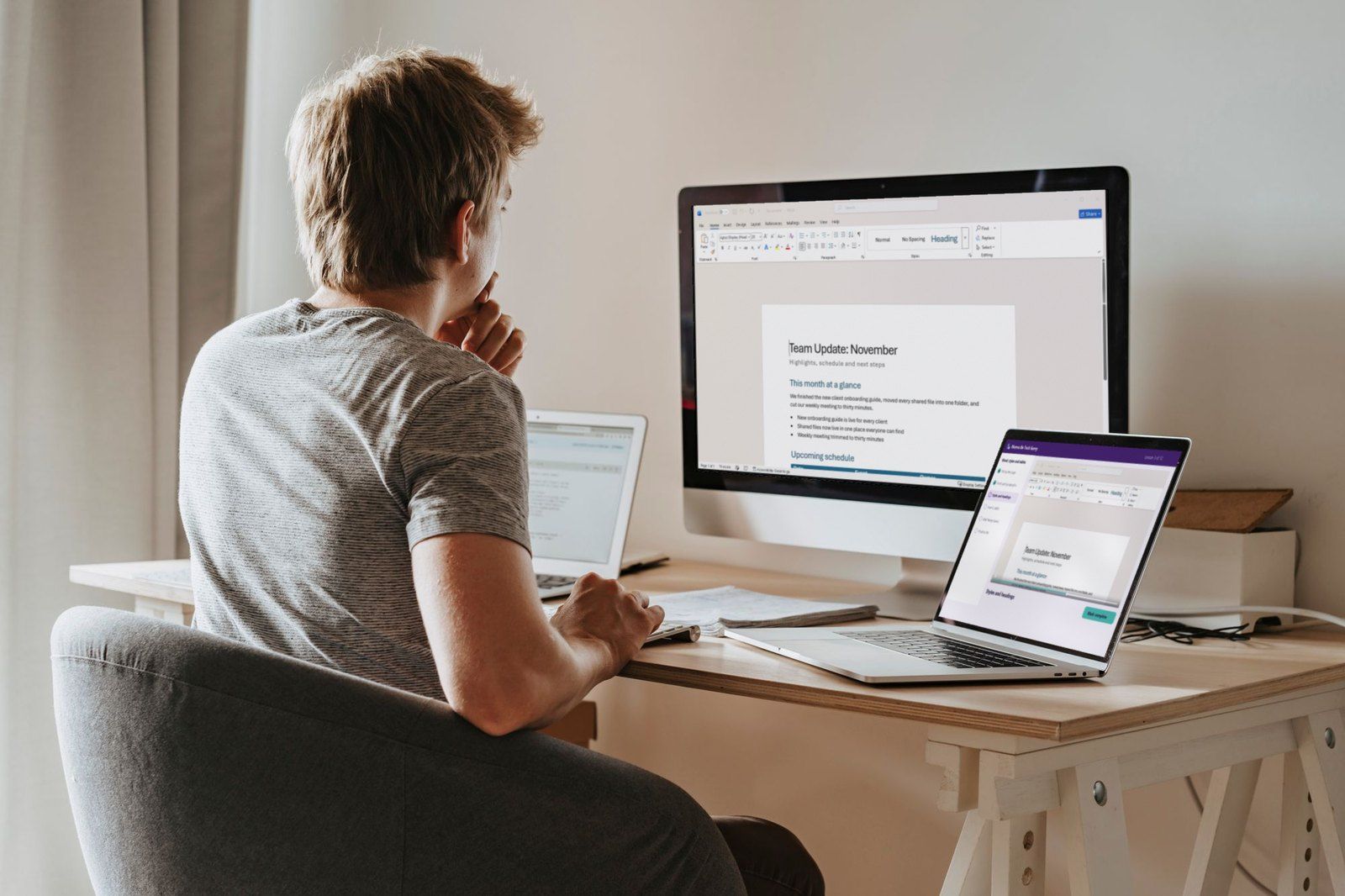
Every lesson works the same way: you watch on one monitor while you work on the other, right alongside the trainer. Hands-on! You try every prompt yourself.
A woman in a headset works at a desk with two monitors, charts and numbers on both screens

Under 3 hours of video, and it sticks when you practice.
Take it one lesson at a time: watch, try every prompt yourself right alongside us, and check yourself before you move on. Then you can start using AI for your emails, your plans and your everyday tasks!

Watch the lesson

3 video lessons on ChatGPT, AI tools and Microsoft Copilot you can conquer on your own time, at your own pace.

Work alongside us

You’ll try every prompt yourself, together with us. Dual monitors are recommended, and you’ll also get a cheat sheet of takeaways and a guide to the most popular AI tools!

Check yourself

A 20-question graded self-assessment at the end of the module, so you know you’ve grasped the concepts before you move on.

Prove it

A 30-question final exam. Pass with 80% or better to earn our official Certificate of Completion to showcase on your social media, resume and LinkedIn profile.

AI and ChatGPT in 3 lessons

3 video lessons in one module, plus a Getting Started module. ChatGPT comes first, then prompts and AI tools, then Microsoft Copilot. The module ends with downloadable takeaways and a graded self-assessment, and one final exam wraps it all up, so you learn it and it sticks!
AI and ChatGPT Masterclass

By the end, you’ll be able to

  • Use ChatGPT for writing, planning and problem-solving
  • Write prompts that get better results
  • Explore AI tools for images, video and music
  • Use Microsoft Copilot in Edge, Windows 11 and Microsoft 365

Getting started 5 short videos and a survey, 37 min

Course overview2 min
How to use the video tools3 min
Screenshots with the Snipping Tool12 min
Buying Microsoft 36511 min
Saving your practice files9 min

AI and ChatGPT Masterclass 3 lessons, 2 h 40 min

1. Getting started with AI and ChatGPT1 h 10 min
2. Mastering prompts and exploring AI tools1 h 05 min
3. Boosting productivity with Microsoft Copilot25 min
20-question self-assessmentGraded
TakeawaysPDF
The most popular AI toolsPDF

Final exam and certificate 30 questions

A 30-question final exam. Pass with 80% or better to earn our official Certificate of Completion.

Included in the Full CC2CC Path

The AI and ChatGPT Masterclass is one of 4 bonus courses in the Full Path, along with Microsoft Teams, Cloud Collaboration and Google Essentials.
Kristin Pelletier, founder and CEO of Wanna Be Tech Savvy

Kristin Pelletier

Founder & CEO, Wanna Be Tech Savvy
Microsoft 365 Certified Instructor

Hi, I’m Kristin. I’ll make AI make sense.

I’m the founder and CEO of Wanna Be Tech Savvy and the owner of Access Computer Training in Tampa Bay, where I developed the Computer Challenged to Career Confident program.
In 15 years of teaching, I’ve helped people of every age and skill level build the computer skills, and the confidence, to move their careers forward.

“I felt so much more confident in my ability to take what I learned and use it today.”

The lessons were well thought out and presented in a way to help us understand the complex concepts. … I thought I knew a lot but she taught me so much new information which I am using in my current position and in my personal life.
JD
Jolette D.
Verified student

Straight answers.

Is this for beginners?

Yes. Lesson 1 starts with setting up ChatGPT and the basics of AI, and each lesson builds on the one before. No tech background needed.

I already use ChatGPT. Will I still learn something?

Yes. People who’ve used AI for a while without formal training pick up prompts, tools and shortcuts they never knew, and they make everyday tasks easier and quicker. We highly recommend starting from lesson 1.

What do I need?

A computer and a ChatGPT account, which you can sign up for free. For Copilot in Excel, Outlook and PowerPoint, you’ll want Microsoft 365, about $10 a month, and a Getting Started lesson shows you how to buy it. Two monitors are recommended, so you can watch on one and work on the other.

How long does it take?

It’s self-paced, so it’s up to you. The 3 lessons run under 3 hours in all, and every lesson’s length is listed above. Finish in a weekend, or take it a lesson at a time.

Does it cover Microsoft Copilot?

Yes. Lesson 3 shows Copilot in Edge, Windows 11 and Microsoft 365 apps like Excel, Outlook and PowerPoint. Which Copilot features you see depends on your Microsoft 365 plan.

Will I get a certificate?

Yes. Pass the 30-question final exam with 80% or better to earn our official Certificate of Completion from Wanna Be Tech Savvy, to showcase on your social media, resume and LinkedIn profile.

What if it’s not for me?

Then ask for your money back. Every course has a 14-day money-back guarantee: ask within 14 days of buying, with less than 30% of the course completed. One email to Support@wannabetechsavvy.com does it. The Refund Policy has the details.
Kristin Pelletier

Ready to work smarter with AI?

Three lessons, under 3 hours, with ChatGPT open on your second monitor. I’ll show you every step.

Employers want more than the basics.
You don’t have to get there alone.
I’ll show you how, one step at a time.

Let’s do this!
Kristin Pelletier, Founder & CEO
One-time payment. 14-day money-back guarantee: ask within 14 days of buying, with less than 30% of the course completed, and one email to Support@wannabetechsavvy.com does it. Read the Refund Policy.