Are your bookkeeping skills holding you back?

This hands-on course takes you through QuickBooks Online one step at a time, from company setup to financial reports, with Connie Hyslop: the trainer who taught Kristin back in 2005, right alongside you.

Bookkeeping With QuickBooks

24 video lessons in 4 modulesSelf-paced, on your own time14-day money-back guaranteeOfficial Certificate of Completion
Course registerPartWhat you’ll doLessonsBalanceStartGetting StartedNavigating QuickBooks 0ICompany setupChart of accounts55IICustomers and vendorsInvoices and bills914IIIBank feedsReconciliations and reports923IVPayrollAn overview124ExamFinal exam30 questions  Reconciled

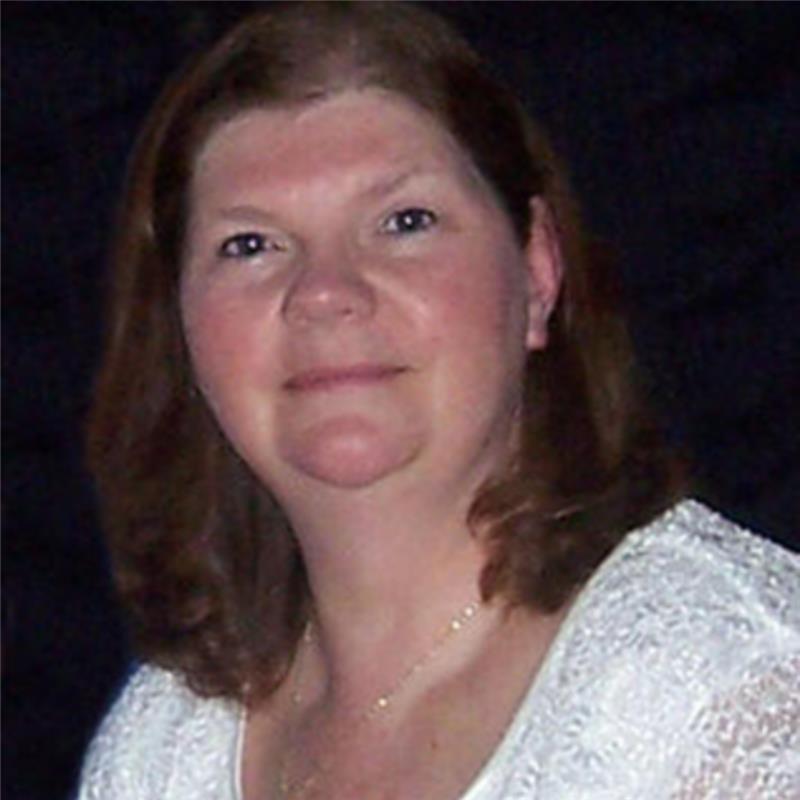
Taught by Connie Hyslop

QuickBooks Instructor

Ever stare at the books and wonder where the money went?

QuickBooks looks friendly until the bank feed fills up and nothing matches. You don’t need an accounting degree. You need someone to show you.

A shoebox of receipts.

And no idea where to start.

Fixed in Module I, lessons 1 to 3

Invoices in Word, payments in your head.

Who paid? Who didn’t?

Fixed in Module II, lessons 3 and 4

Bills paid late, or paid twice.

Who do you owe? When is it due?

Fixed in Module II, lessons 7 and 8

A bank balance that never matches.

Reconciling sounds scary. It’s a skill.

Fixed in Module III, lessons 1 to 4

For business owners, admins, bookkeepers and freelancers. No accounting background needed.

One monitor to watch on. One monitor to work on.

Every lesson works the same way: you watch on one monitor while you work on the other, right alongside the trainer. Hands-on! Practice files included.
A woman sorts receipts at her desk, with a calculator and a laptop

Bookkeeping sticks when you practice: pause the video and work in QuickBooks Online right alongside Connie.
Watch the lesson

24 QuickBooks video lessons in 4 modules you can conquer on your own time, at your own pace.

Work alongside us

You’ll have access to download all the practice files we work on in class, so you can work on them together with us. Dual monitors are recommended, and you’ll also get a cheat sheet of takeaways at the end of every module!

Check yourself

A 10-question graded self-assessment at the end of every module, so you know you’ve grasped the concepts before you move on.

Prove it

A 30-question final exam. Pass with 80% or better to earn our official Certificate of Completion to showcase on your social media, resume and LinkedIn profile.
Bookkeeping with QuickBooks

Taught in QuickBooks Online

What’s in this QuickBooks course
24 video lessons in 4 modules, plus a Getting Started module on using the Home page and navigating QuickBooks. Every module ends with downloadable takeaways and a 10-question graded self-assessment, and one 30-question final exam wraps it all up, so you learn it and it sticks!

By the end, you’ll be able to

  • Set up your company and chart of accounts
  • Create estimates, invoices and sales receipts
  • Track vendors, bills, expenses and 1099s
  • Connect bank feeds and reconcile your accounts
  • Run and customize the reports your business needs
  • Manage credit cards, loans and journal entries

Module I: Introduction & Company Setup5 lessons, 10-question self-assessment

1Getting Started with QuickBooks Versions Setup and First Look30:39
2Setting Up Your Company Profile in QuickBooks Online25:56
3Customizing and Managing the Chart of Accounts35:11
4Navigating Core Financial Tools and User Access16:57
5Setting Up Products, Services & Sales Transactions49:34
Graded self-assessment10 questions
Module I takeawaysPDF

Module II: Working with Customers & Vendors9 lessons, 10-question self-assessment

1Managing Customers in QuickBooks Online29:49
2Fixing Duplicate Customers & Cleaning Up Your Customer List27:03
3Creating & Customizing Estimates and Invoices30:53
4Invoicing, Sales Receipts, Deposits, and Customer Credits35:09
5Setting Up and Importing Vendors in QuickBooks38:45
6Cleaning Up Vendor Records and Choosing the Right Transaction Type17:32
7Recording and Managing Expenses & Checks23:46
8Accounts Payable: Bills, Payments, and 1099s21:41
9Tracking Inventory & Purchase Orders24:31
Graded self-assessment10 questions
Module II takeawaysPDF

Module III: Banking, Credit Cards & Customizing Reports9 lessons, 10-question self-assessment

1Managing Bank Accounts and the Check Register28:07
2Connecting Bank Accounts & Understanding Bank Feeds17:34
3Managing Bank Feeds & Automating Transactions30:30
4Handling Petty Cash, Debit Transactions & Reconciliations26:06
5Managing Credit Cards & Business Loans in QuickBooks21:59
6Mastering Journal Entries and Essential Financial Reports34:26
7Managing Fixed Assets, Loans & Recurring Transactions27:58
8User Management & Customizing Reports in QuickBooks27:33
Graded self-assessment10 questions
Module III takeawaysPDF

Module IV: Using Payroll1 lesson, 10-question self-assessment

1Getting Started with Payroll in QuickBooks Online28:16
Graded self-assessment10 questions
Module IV takeawaysPDF
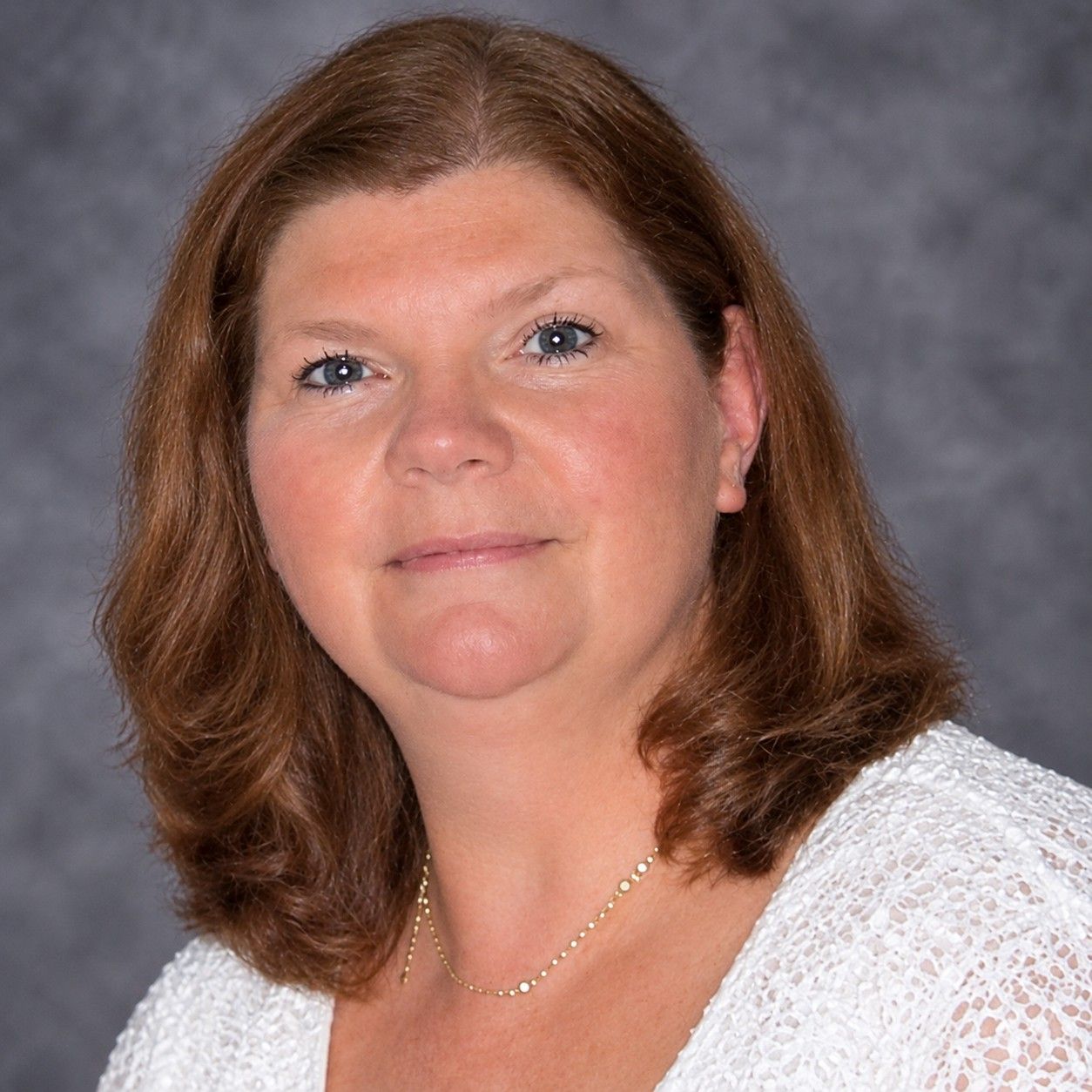
Connie Hyslop, QuickBooks instructor

Connie Hyslop

QuickBooks Instructor
President & CEO, Hyslop & Associates

Connie trained me. Now she’ll train you.

Connie Hyslop owns her own computer training school, Hyslop & Associates in New Hampshire, and has over 30 years of experience teaching and developing courseware for desktop applications. She trains businesses throughout New England, she’s still my mentor, and she teaches the Introduction to Bookkeeping course for my school, Access Computer Training.

This QuickBooks Course is wonderful, you ladies did a fantastic job.
I am honored that I was allowed to be the first to experience it. Thank you, Kristin! I am eternally grateful for you and your platform; it has changed my life in just under 6 months!! I now have opportunities for a better future for me and my children. All because I saw your video on Facebook! Absolutely life-changing experience, thank you again!

Shannon S.

Bookkeeping With QuickBooks student

Straight answers.

How long does it take to learn QuickBooks?

It’s self-paced, so it’s up to you. Take it one lesson at a time, on your own time, at your own pace, and give yourself time to practice in QuickBooks Online as you go.

Is QuickBooks hard to learn?

Parts of it take practice, reconciling especially, and that’s okay. Every module ends with a graded self-assessment, so you know you’ve grasped the concepts before you move on.

Do I need my own QuickBooks Online account?

No. You will use a free QuickBooks Online sample company where you can learn and experiment without affecting your own company file.

Will I get a certificate?

Yes. Pass the 30-question final exam with 80% or better to earn our official Certificate of Completion from Wanna Be Tech Savvy, to showcase on your social media, resume and LinkedIn profile.

What if it’s not for me?

Then ask for your money back. Every course has a 14-day money-back guarantee: ask within 14 days of buying, with less than 30% of the course completed. One email to Support@wannabetechsavvy.com does it. The Refund Policy has the details.

Thinking about more than one course?

A CC2CC path costs less than buying the courses one by one and adds the student community; the Accelerator and the Full Path add monthly live webinars with Kristin too. Compare them on Choose Your Path, or see every course on Explore Courses. Need Excel too? Excel PLUS Bookkeeping With QuickBooks bundles both: it’s on Explore Courses.
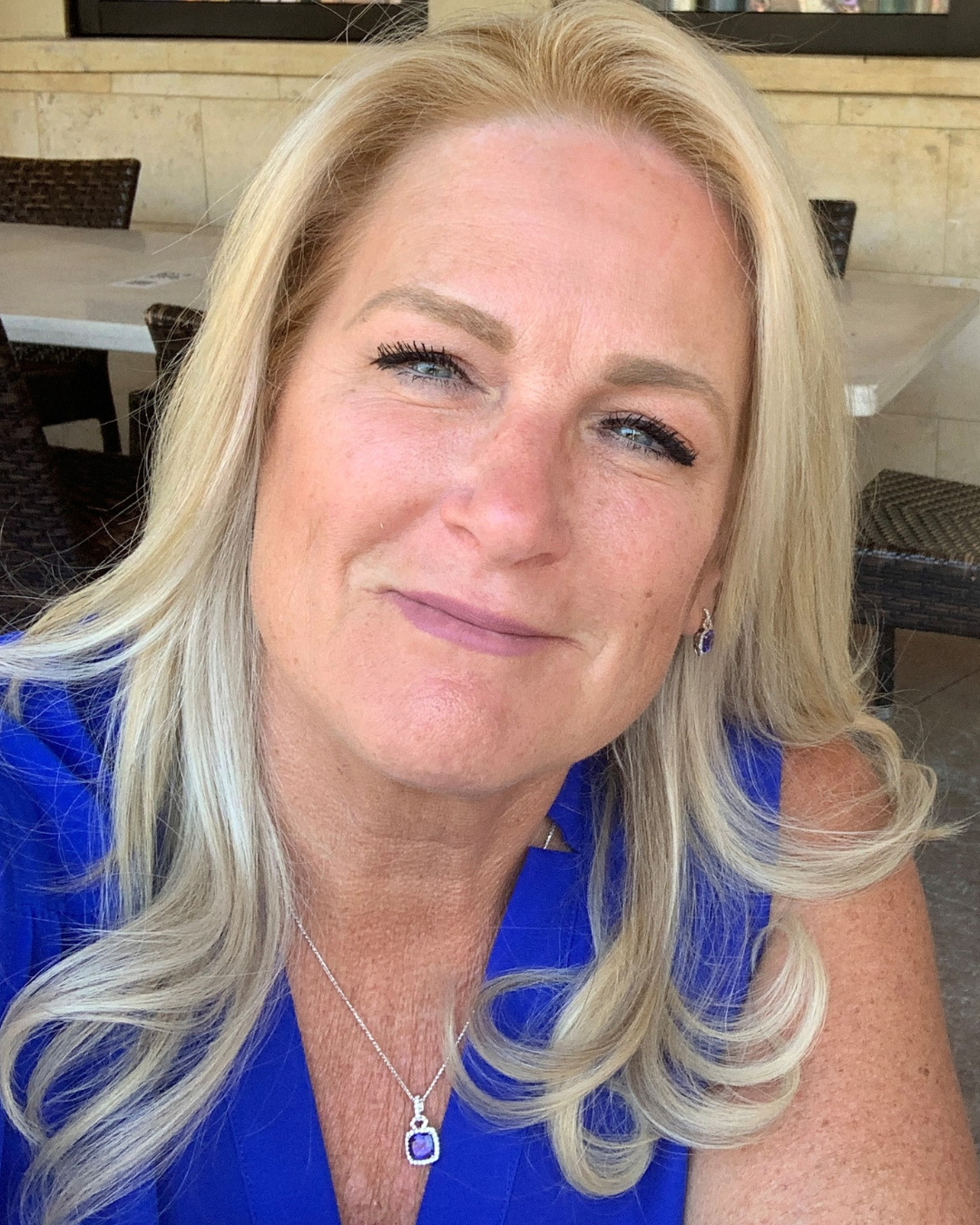
Ready to make QuickBooks work for you?

Connie walks you through every step, and every module ends with a check on what stuck.

Employers want more than the basics.
You don’t have to get there alone.
I’ll show you how, one step at a time.

Let’s do this!
Kristin Pelletier, Founder & CEO
One-time payment. 14-day money-back guarantee: ask within 14 days of buying, with less than 30% of the course completed, and one email to Support@wannabetechsavvy.com does it. Read the Refund Policy.