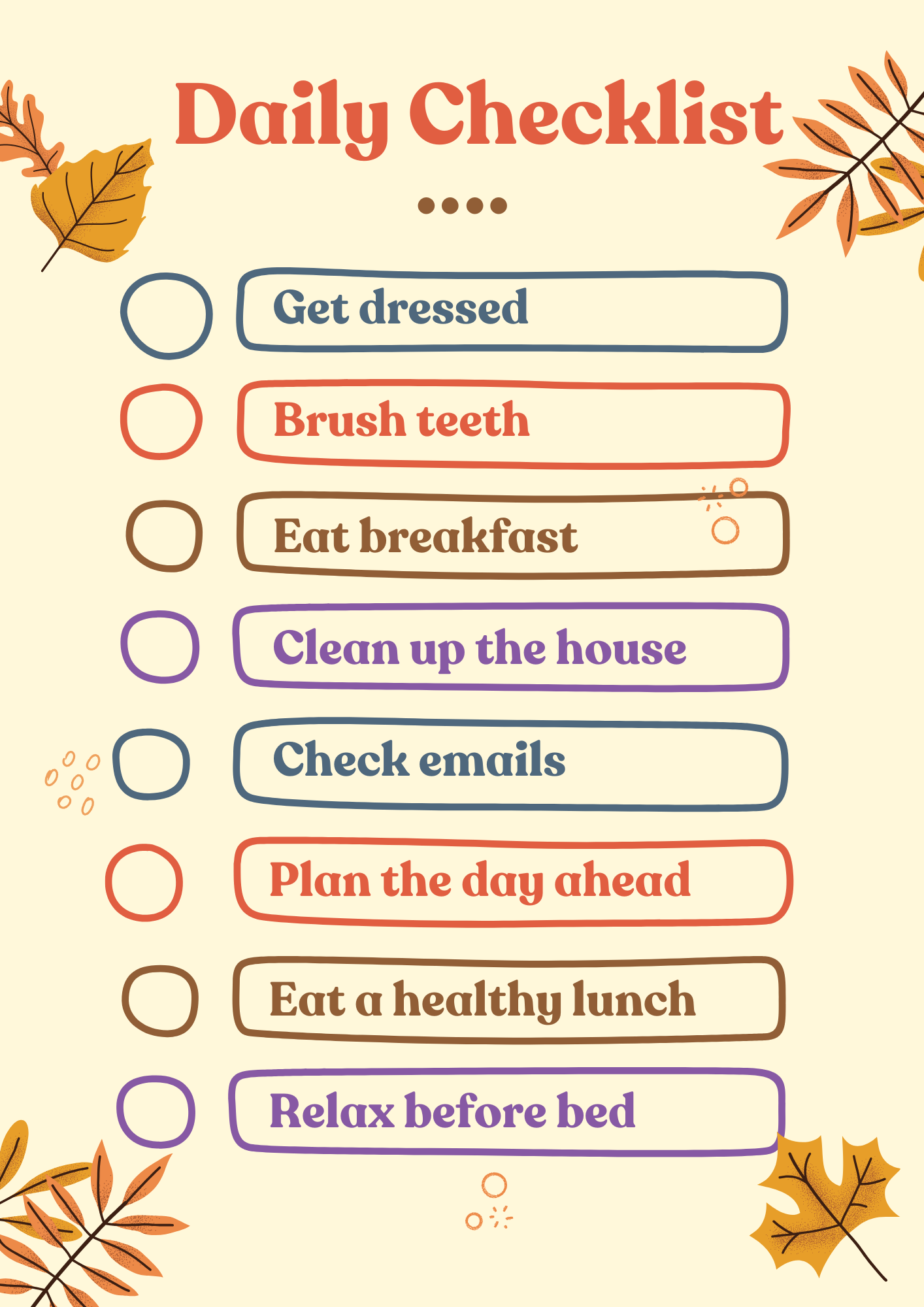
One of the biggest productivity challenges professionals face is starting the day without a clear plan. When tasks are not prioritized, it becomes easy to spend time on less important activities.
Before beginning work, take a few minutes to identify your most important tasks for the day.
Focus on:
- Tasks that directly impact your goals
- Deadlines that need immediate attention
- Projects that require focused work
Creating a short priority list helps you stay focused and prevents your day from being controlled by emails or unexpected requests.
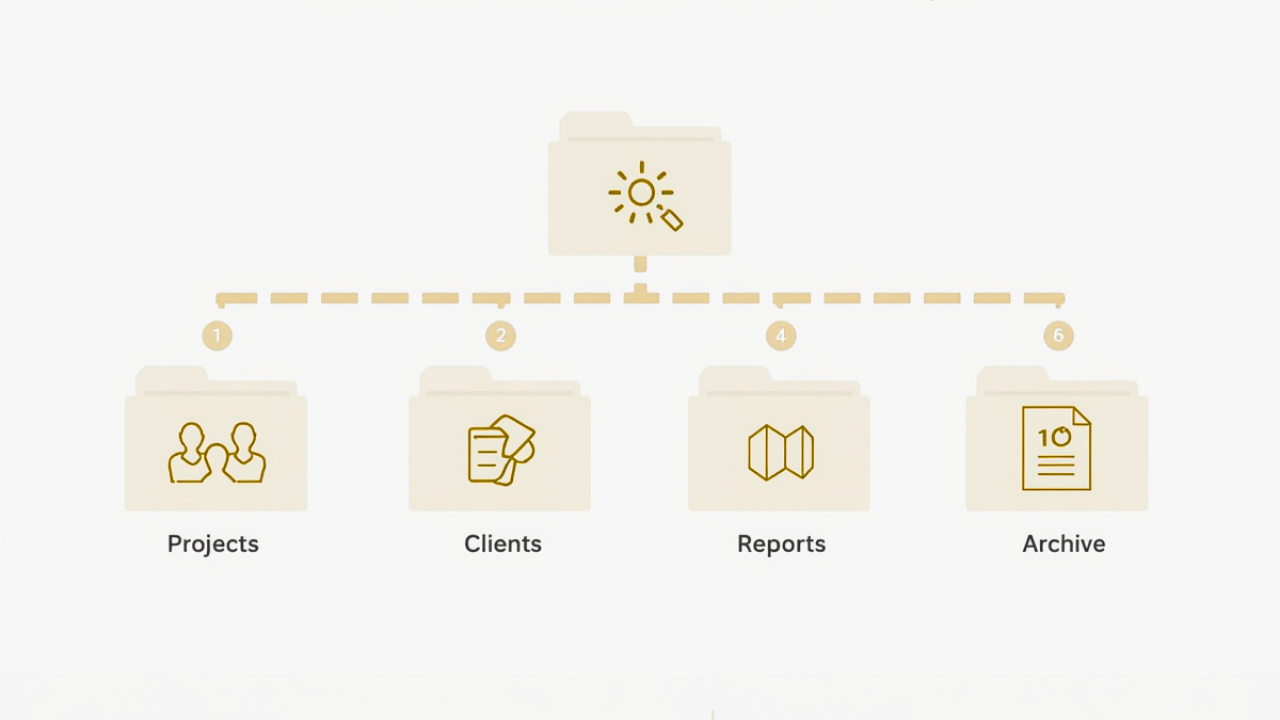
A cluttered digital environment can slow down productivity. Disorganized files, messy inboxes, and scattered documents make it harder to locate important information.
Professionals can improve efficiency by organizing their digital workspace through:
- Creating structured folders for projects
- Using clear file names
- Archiving completed work
- Managing email folders regularly
When files and information are organized logically, you spend less time searching and more time completing tasks.
Many professionals use productivity software every day but only take advantage of a small portion of its capabilities.
Programs such as Microsoft Word, Excel, PowerPoint, and Outlook include features designed to improve efficiency.
Examples include:
- Templates that speed up document creation
- Calendar reminders that prevent missed meetings
- Spreadsheet formulas that automate calculations
- Email organization tools that reduce inbox clutter
Learning how to use these features effectively can dramatically reduce manual work.
If you want to strengthen these practical skills, you can explore professional training options through Wanna Be Tech Savvy’s technology courses:
Many professionals believe multitasking improves productivity. In reality, switching between tasks too frequently can reduce focus and increase mistakes.
Research consistently shows that focusing on one task at a time leads to better results and higher efficiency.
Instead of multitasking, try:
- Completing one task before moving to the next
- Scheduling focused work periods
- Turning off unnecessary notifications
Deep focus allows professionals to complete work faster and with greater accuracy.
Email can easily become one of the biggest productivity distractions in the workplace. Constant notifications and message overload make it difficult to focus on important work.
Instead of checking email continuously throughout the day, many professionals find it helpful to set specific times to review messages.
For example:
- Morning email review
- Midday follow-ups
- End-of-day responses
Using folders, flags, and filters can also help organize messages and prevent inbox clutter.
Many workplace tasks involve repeated actions such as formatting documents, entering data, or scheduling meetings.
Automation tools and built-in software features can reduce this repetitive work.
Examples include:
- Spreadsheet formulas that calculate totals automatically
- Email templates for common responses
- Calendar scheduling tools
- Data sorting and filtering features
Automation allows professionals to spend less time on routine tasks and more time on meaningful work.
Continuous work without breaks can reduce concentration and increase fatigue. Short breaks throughout the day help refresh the mind and maintain productivity.
Even brief breaks can improve focus and reduce stress.
Stepping away from the computer for a few minutes allows professionals to return to their tasks with renewed energy and clarity.
Technology and workplace tools are constantly evolving. Professionals who invest time in learning new skills often discover better ways to manage tasks and improve workflows.
Developing skills in areas such as Microsoft Office, digital organization, and workplace technology can significantly improve productivity over time.
Learning how to use tools more effectively allows professionals to complete work faster and with greater confidence.
You can explore technology training and productivity-focused courses through Wanna Be Tech Savvy here:
Productivity does not come from a single technique. It is the result of many small habits working together.
By organizing your workspace, prioritizing tasks, reducing distractions, and improving your technology skills, you can build a workflow that supports consistent performance.
Professionals who develop strong productivity habits often experience:
- Less stress
- Better time management
- Improved work quality
- Greater career opportunities

In today’s fast-paced workplace, productivity is not just a skill—it is a competitive advantage.